Start the tool.
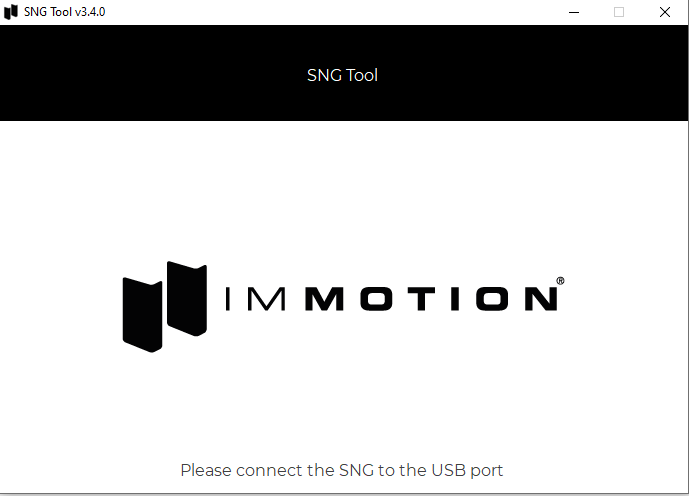
Once the SNG tool is started plug the SNG into your pc with the included in the box usb cable.
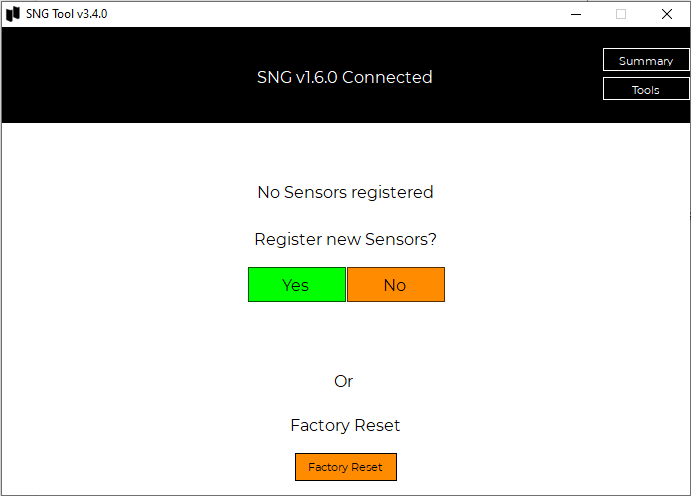
Press Yes when asked to register a new sensor.
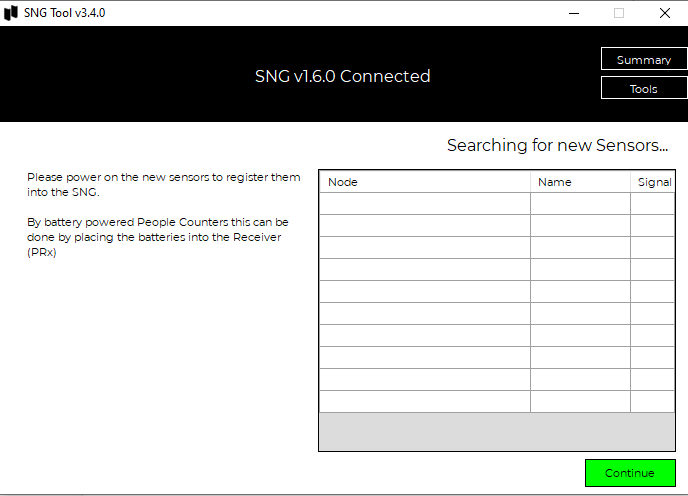
Now it is time to insert the batteries into the Receiver part of the counters.
If done correctly your counter should show up in the list like the image below.
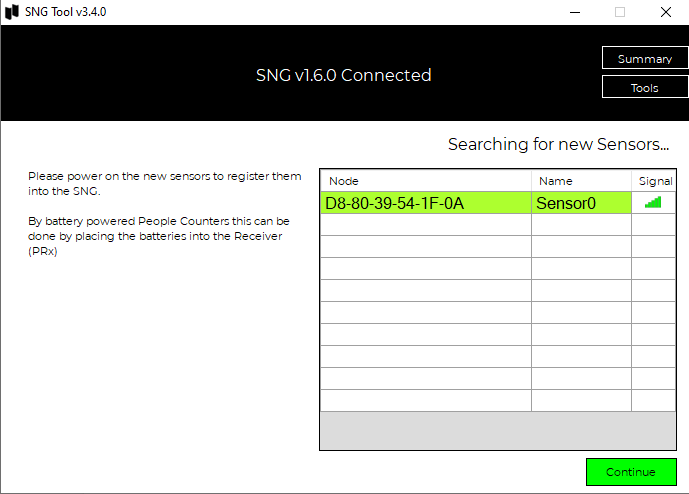
Now press continue.
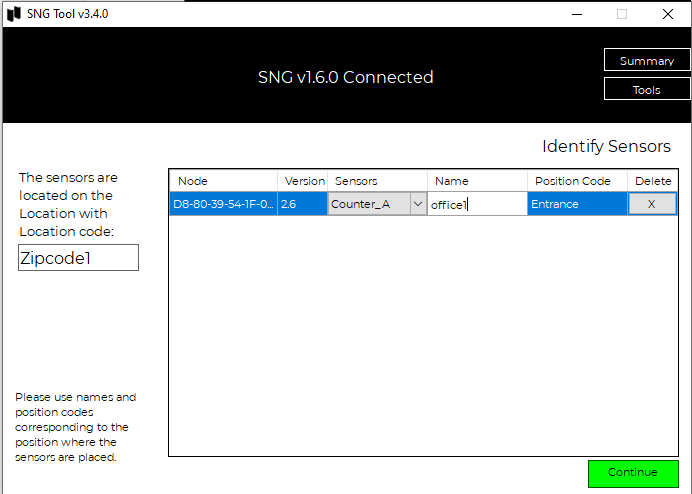
Fill in the fields with your details.
Location code = The physical location (multiple SNG’s can have the same location)
Name = Where inside the building it is(example office1 or floor2.)
Position code = Is it an entrance or an exit of maybe a hallway.
Continue when done.
Was this article helpful?
That’s Great!
Thank you for your feedback
Sorry! We couldn't be helpful
Thank you for your feedback
Feedback sent
We appreciate your effort and will try to fix the article